








 United States (English)
 Japan (日本語)
 Russia (русский)
 Germany (Deutsch)
 France (Français)
 Spain (Español)
 Italy (Italia)
 Portugal (Portugues)
 China (繁体中文)
 Turkish (Türk dili)
 Dutch (Nederlands)
 Korean(한국인)
 Saudi Arabia(عربي)
 Download from Netflix, Disney+, Prime Video, YouTube, and more.

If you are a YouTube user but want to switch to another online streaming platform, you can try out these top 8 best YouTube alternatives, including Twitch, Vimeo, Dailymotion, TikTok, KICK, Flickr, Crackle, and Rumble.
YouTube has long been the king of online video, but it is not without flaws. Due to intrusive ads, algorithm manipulation, and content censorship, more and more YouTube users are searching for YouTube alternatives. Whether you are a viewer tired of ads, a creator looking for a better monetization platform, or someone seeking a stronger YouTube alternative that respects privacy, there are plenty of options. In this article, we’ll explore the top 8 YouTube alternatives across different niches, from live streaming to high-quality hosting, short-form mobile video, and even free ad-supported movies. Keep reading and pick the best one for your daily video consumption.
downloading YouTube videos to MP4 for flexible playback and permanent saving. Thus, you can watch YouTube videos offline on any device or player without ads interruption. TunesBank iMovieTool is an all-in-one video downloader that empowers you to download videos from major streaming platforms. Have a free try right now!
1. Twitch
Best for: Live streaming and gaming content
Highest Video Quality: 1080p @ 60fps (1080p), 4K for some partners
App/Website: Both (iOS, Android, web, consoles)
Pricing: Free with ads, and optional subscriptions
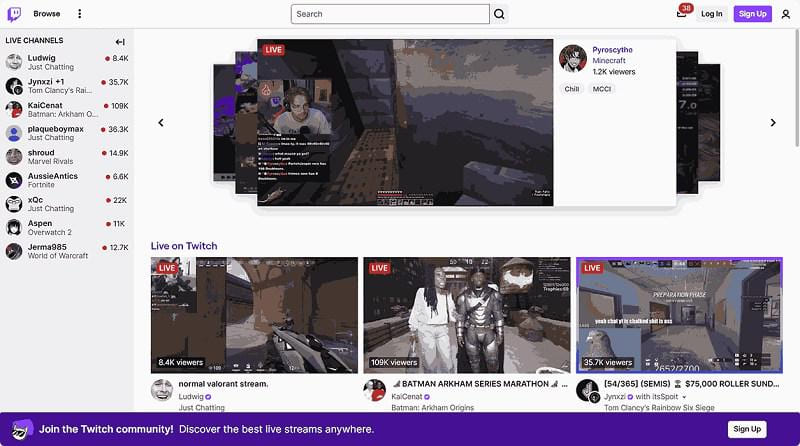
Delivering free live gaming, esports and real-time interactive streaming, Twitch has established itself as one of the most popular YouTube alternatives. In addition, Twitch has expanded into categories like music, lifestyle, podcasts, and real-life streaming, making it a good option for interactive entertainment. Thanks to its real-time engagement system, viewers can chat, donate, and interact directly with creators during live broadcasts.
Unlike YouTube’s pre-recorded focus, Twitch offers live, community-driven interaction. Despite weaker on-demand support and discovery, it remains a top interactive alternative to YouTube for real-time engagement.
👍 Pros:
- Gaming-focused content.
- Strong community interaction.
- Great monetization for creators.
- Real-time engagement.
👎 Cons:
- Limited support for edited videos.
- Discoverability challenges.
- Ads can be frequent for non‑subscribers.
2. Dailymotion
Best for: General video sharing
Highest Video Quality: 1080p (4K support limited)
App/Website: Both (iOS, Android, web)
Pricing: Free with ads, or Premium subscription
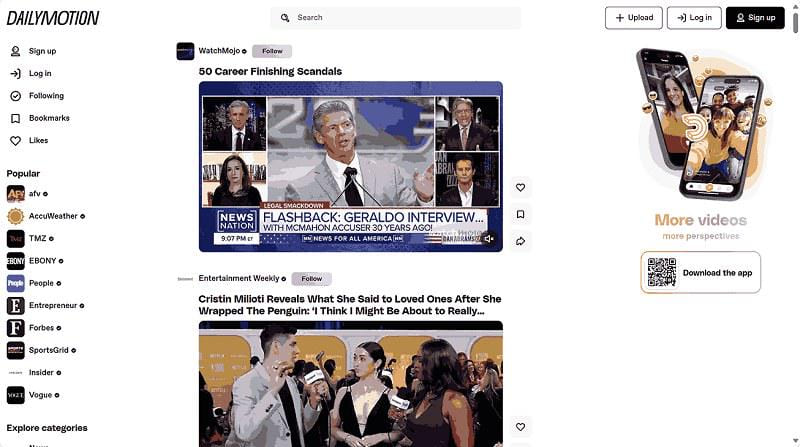
Dailymotion is another good option to replace YouTube, offering a familiar interface and a wide range of content, including news, entertainment, and user-generated videos. The platform supports high-quality video playback and provides a clean layout that is easy to navigate.
Compared to YouTube, Dailymotion has fewer ads and less aggressive content recommendations. However, its content library is smaller than YouTube’s, and creator monetization options are more limited. Still, it remains a reliable YouTube alternative for casual viewers.
👍 Pros:
- Easy to use, clean interface.
- Mobile app is lightweight and fast.
- Better for professional publishers.
- Curated channels for news, sports, music, and gaming.
👎 Cons:
- Smaller creator community.
- Lower ad revenue for most uploaders.
- No live streaming (only VOD).
3. Vimeo
Best for: Professional video creators
Highest Video Quality: 4K+
App/Website: Both (iOS, Android, web)
Pricing: Free, and paid plans
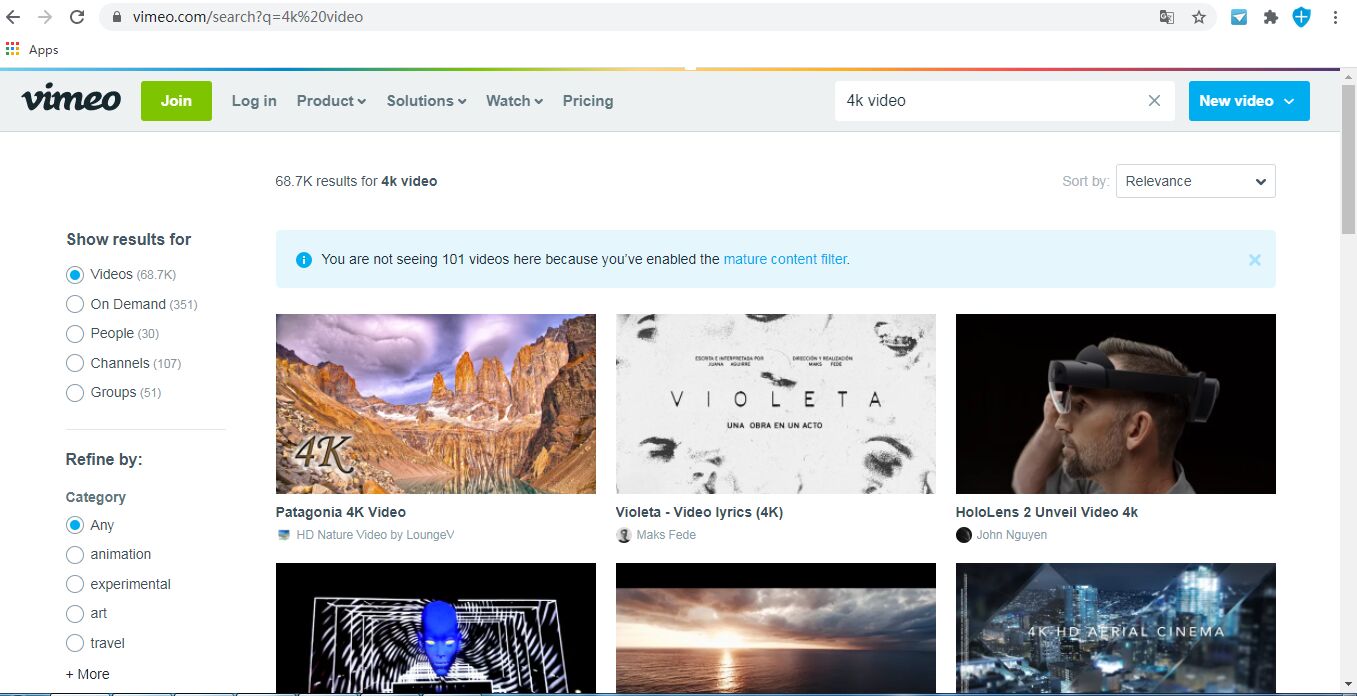
Vimeo is a premium YouTube alternative focused on high-quality video hosting. It is used by video creators, animators, and businesses to showcase portfolios, host internal training videos, or sell content via Vimeo On Demand. One of Vimeo’s biggest strengths is its superior video quality and ad-free playback, which creates a cleaner viewing experience.
However, Vimeo’s free plan comes with storage limitations (only 500MB per week, max 5GB total, and many advanced features require a paid subscription, starting at US$12 a month. Even so, for professionals seeking a polished platform, Vimeo is a good YouTube alternative you can’t miss.
👍 Pros:
- High-quality video hosting.
- Completely ad‑free experience.
- Professional tools for businesses and creators.
- Built-in video editor and review tools.
👎 Cons:
- Limited free storage.
- Smaller audience reach.
- Expensive for casual users.
4. TikTok
Best for: Short‑form, viral mobile video and trends
Highest Video Quality: 1080p @ 60fps
App/Website: Primarily app (iOS, Android); limited web version
Pricing: Free with ads; no premium tier (yet)
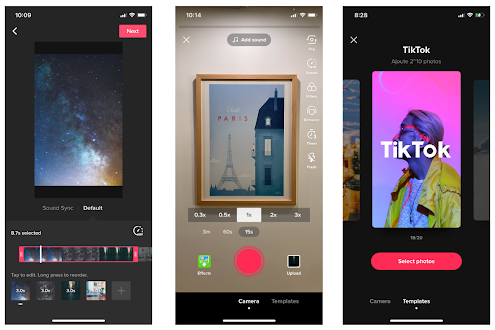
Are you a loyal TikTok user? TikTok is a fast-growing YouTube alternative known for short, engaging videos. It has become one of the best alternatives to YouTube for quick entertainment and viral content. Unlike YouTube’s longer videos, TikTok focuses on quick, engaging clips powered by a highly advanced recommendation algorithm, and is especially popular among younger audiences who prefer short-form video content. However, it is not a good place for streaming long‑form content such as documentaries, in‑depth tutorials, or traditional vlogs.
👍 Pros:
- Massive audience.
- Best algorithm for discoverability.
- Extremely high engagement rates.
- Easy to create and edit in‑app.
👎 Cons:
- Limited long-form support.
- Addictive scrolling experience.
- Privacy and data security concerns.
5. KICK
Best for: Live streaming with better revenue share
Highest Video Quality: 1080p @ 60fps
App/Website: Both (iOS, Android, web)
Pricing: Free with ads; optional subscriptions
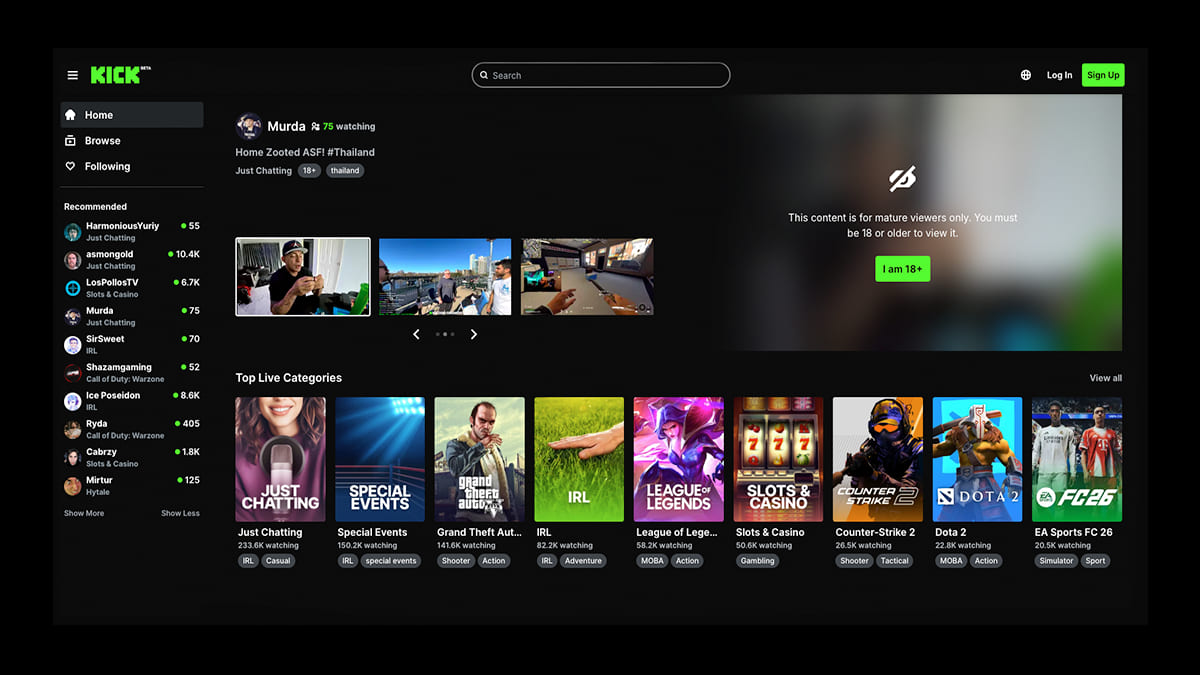
KICK is a rising YouTube alternative that focuses on live streaming and creator-friendly monetization. For users and creators who want more control over their content and earnings, KICK is one of the best alternatives to YouTube and a competitor to Twitch in the live streaming space. Additionally, the platform provides real-time interaction, chat features, and a growing community.
However, KICK’s content variety and user base are still smaller (around 30 million monthly active users vs. Twitch’s 140 million vs. YouTube’s 2.7 billion). Despite these challenges, KICK is still a good video platform alternative to YouTube for those who want a more creator-focused platform.
👍 Pros:
- Interactive chat.
- Best monetization for live streamers.
- Rapidly growing user base.
- Low restrictions than YouTube.
👎 Cons:
- Limited VOD features.
- Smaller audience than YouTube or Twitch.
- Lighter moderation leads to problematic content.
6. Flickr
Best for: Photographers who also want to share short videos
Highest Video Quality: 1080p (limited to 3 minutes per video)
App/Website: Both (iOS, Android, web)
Pricing: Free (1,000 photos/videos limit); or Pro plan (paid)
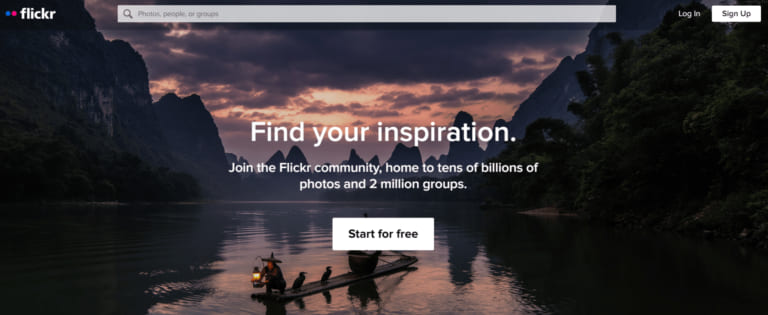
Let’s move on to Flickr. It is primarily a photo sharing platform, but it also allows video uploads (up to 3 minutes, 1080p), particularly popular among photographers. As a promising good YouTube alternative, Flickr focuses more on quality and presentation rather than mass video consumption. There is no ads in the free tier. It offers strong image and video hosting features, along with community interaction through groups and comments. This platform is suitable for photographers who want to share behind-the-scene clips, time-lapses, or short animations.
However, its video capabilities are limited compared to dedicated platforms, so you cannot upload full movies or long tutorials. And it is not designed for long-form or entertainment-heavy content.
👍 Pros:
- Great for creatives.
- No ads on free tier.
- Camera Roll storage and organization.
- High-quality community feedback.
👎 Cons:
- 3-minute video limit.
- Not designed for video-first creators.
- Tiny video audience compared to YouTube.
7. Crackle
Best for: Crackle
Highest Video Quality: HD 1080p
App/Website: Both (iOS, Android, web, smart TVs)
Pricing: Completely free (ad‑supported)
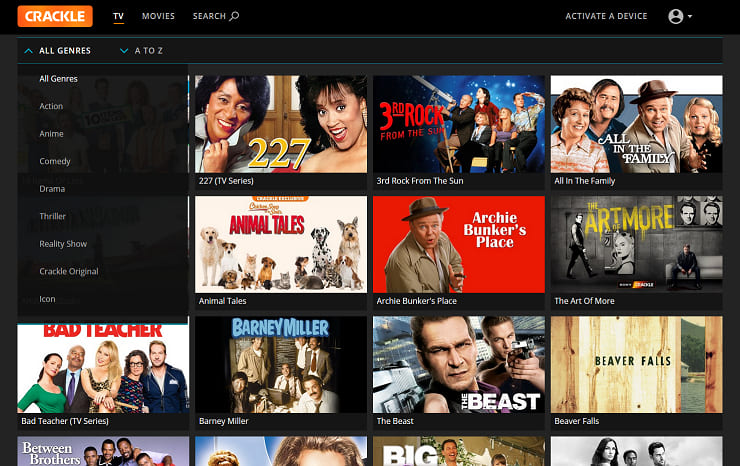
Crackle is a streaming service offering on-demand movies, TV shows, and original content (like The Oath and Going from Broke). Unlike other YouTube alternatives mentioned above, Crackle focuses more on professional content rather than user uploads. It is a good YouTube alternative for watching full-length content legally and easily.
However, the platform is ad-supported, and its content library is smaller compared to major streaming services like Netflix, Amazon Prime, Hulu, etc. Nevertheless, it remains one of the best websites to watch movies & TV shows for free.
👍 Pros:
- Parental controls.
- Free movies and TV shows (no subscription).
- Available on most streaming devices.
- No user-uploaded low-quality content.
👎 Cons:
- Ad interruptions.
- Limited content library.
- No user uploads or community.
8. Rumble
Best for: Independent creators and free speech
Highest Video Quality: 1080p (4K coming)
App/Website: Both (iOS, Android, web)
Pricing: Free (creators earn revenue from views)
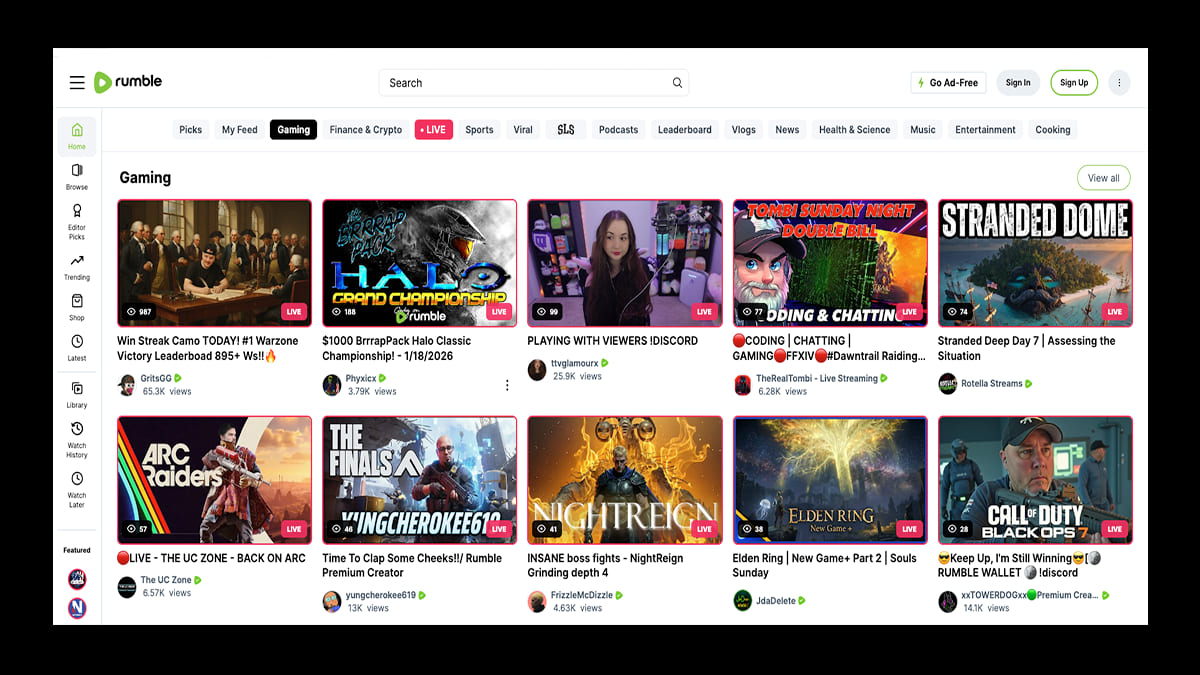
The final recommended YouTube alternative you can try refers to Rumble. Like YouTube, Rumble emphasizes content freedom and creator monetization. It has gained popularity among independent creators who want fewer restrictions and more control over their content. One unique feature is its “Video Management System”. You can upload once, and Rumble distributes your video to its own platform and partner sites (like MSN, Yahoo) for additional revenue. However, the platform’s content quality can be inconsistent, and its interface is less polished compared to YouTube.
👍 Pros:
- Fewer restrictions than YouTube.
- Rumble Player with embed options.
- Additional distribution to external websites.
- Ad revenue sharing (60% to creator).
👎 Cons:
- Inconsistent content quality.
- Smaller library and user base.
- Clunky mobile app.
Bonus: Download Online Videos to MP4 for Offline Watching Anywhere
Generally, most online streaming platforms only let you streaming content online. To download streaming videos for offline viewing, you need to upgrade a Premium subscription. However, all video downloaders are locked-in official streaming app. To overcomes these restrictions and get a flexible playback experience, you can utilize a third-party tool. Below are two powerful streaming video downloaders that help you save videos from YouTube and many alternative sites.
No.1 TunesBank iMovieTool
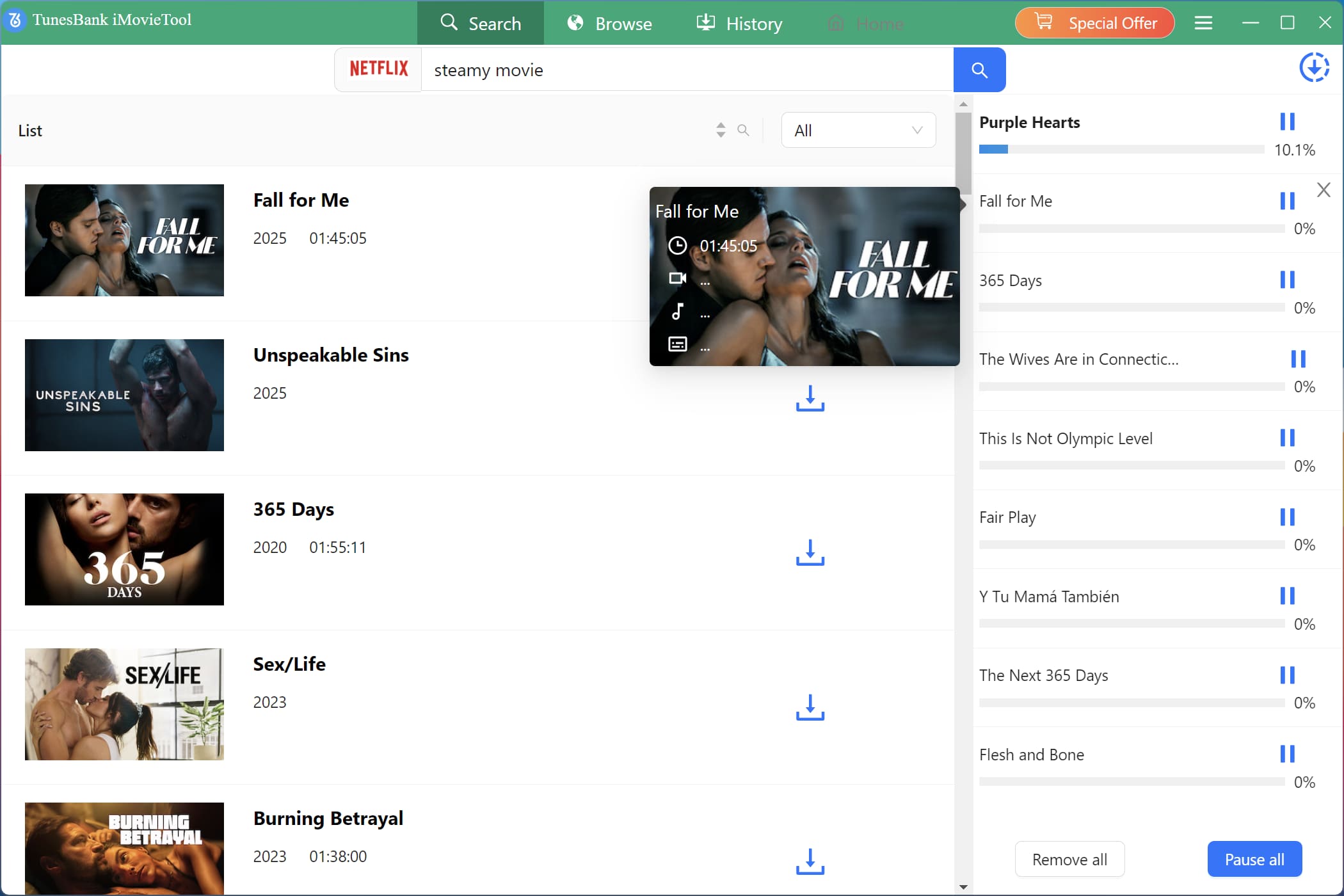
TunesBank iMovieTool is an all‑in‑one solution to download movies, TV shows, and original videos from major OTT platforms and social media sites. The software integrates 12 streaming media platforms into one program, so you don’t need to switch to multiple streaming apps! It allows you download videos from Netflix, YouTube, Disney+, Amazon Prime Video, Hulu, HBO Max, Paramount+, and Apple TV+ to your computer at up to 50X faster speed. It can save videos in MP4 or MKV format with up to 1080p quality, so downloads never expire. This tool also preserves multi-language audio tracks and subtitles.
For social media platforms, TunesBank iMovieTool supports to download HD videos from TikTok, Twitter (X), Facebook, and Instagram for free!
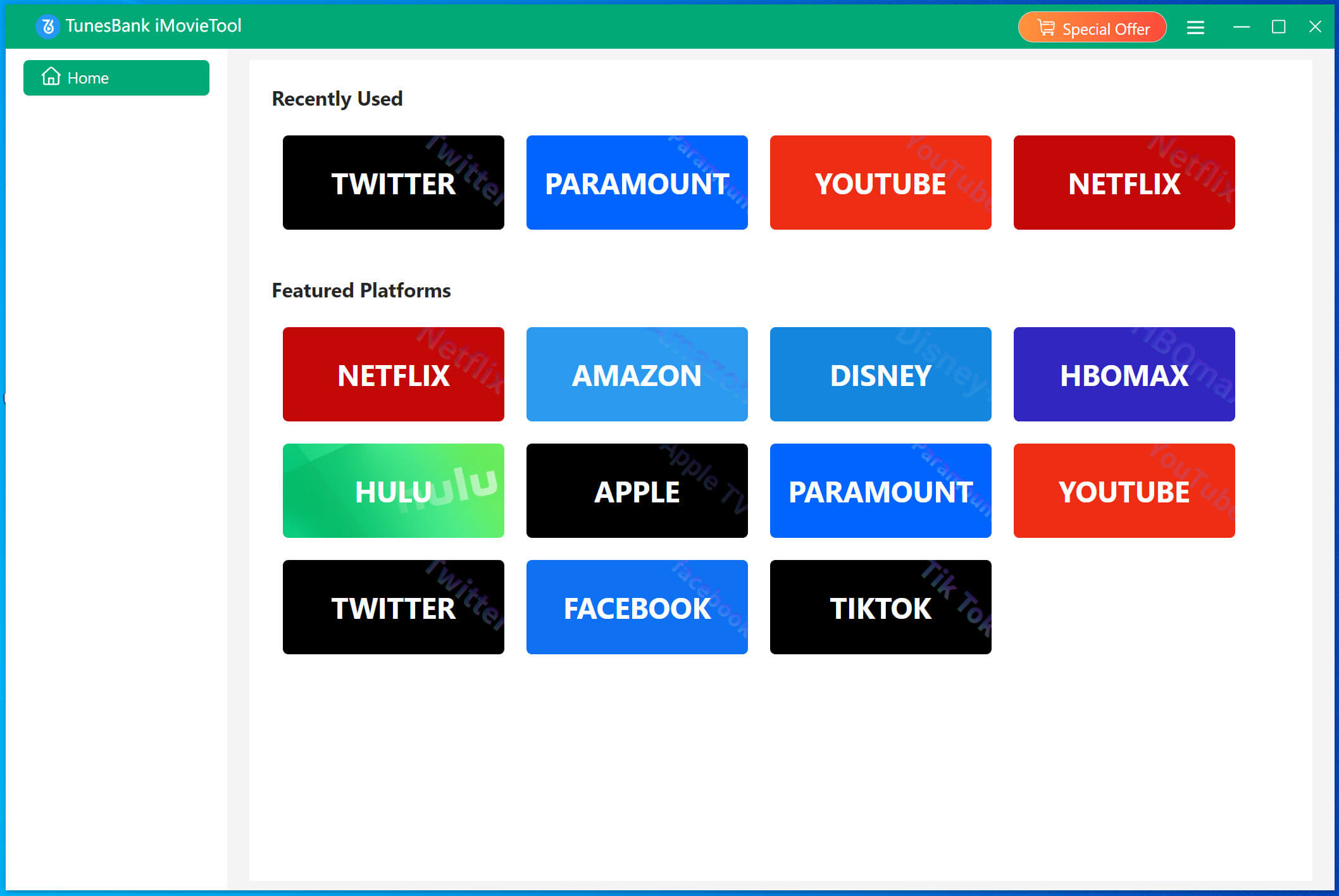
It is quite easy to use. Simply launch software and select platform, sign in your account. Then define the output settings, search for any video, and start download!
No.2 4kFinder Video Downloader
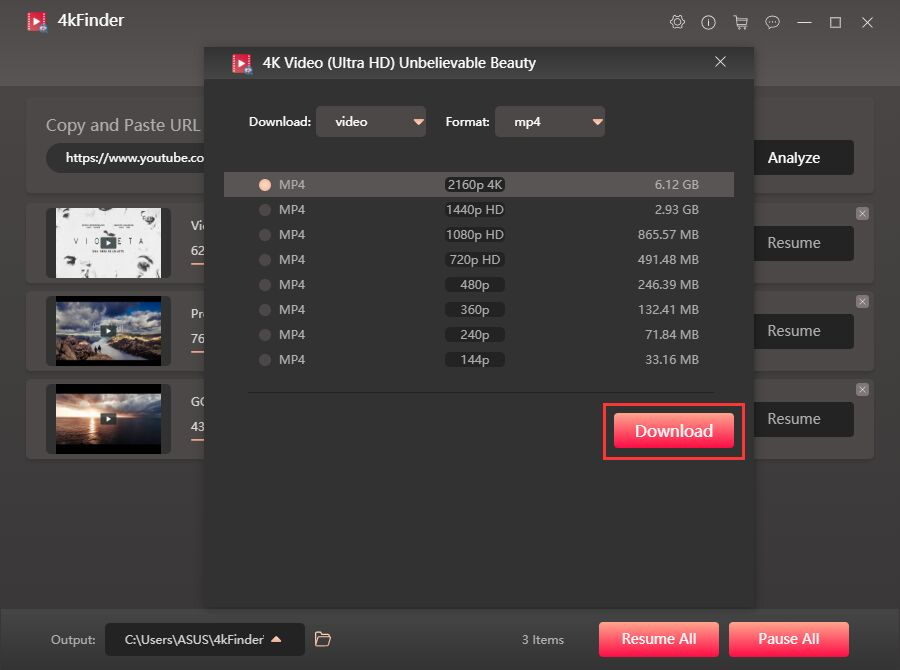
4kFinder Video Downloader is another excellent tool for downloading videos from YouTube, Vimeo, Dailymotion, Vevo, Veoh, OnlyFans, Facebook, TikTok and more than 1000 sites. It supports HD, 4K, and even 8K downloads, along with MP4, MOV, WEBM, and MP3 formats. Apart from this, 4kFinder also supports to download entire playlists and channels from YouTube at once. With 6X speed and batch downloading, it’s a strong companion for users who frequently use YouTube alternatives.
The software offers a simple copy-and-paste URL method – just copy a video link, paste it into the software, and it automatically analyzes and downloads!
The Bottom Line
In short, above 8 best alternatives to YouTube offer unique advantages. Whether you choose Twitch for live streaming, Vimeo for professional content, or TikTok for short videos, each YouTube alternative offers unique features, better monetization models, niche communities, or even higher-quality streaming. To decide among YouTube alternatives, you should compare content policies, monetization, and user experience.
And when you want to download videos for offline use, TunesBank iMovieTool and 4kFinder Video Downloader give you the power to download high-quality videos from any platform to watch offline, archive, or edit. Give it a try!
The Latest Articles
– Top 8 Solutions to Download Streaming Video
– Top 10 Free Movie Download Sites Recommended
– 3 Ways to Download Movies to Watch Offline
– 2 Verified Methods to Download X/Twitter Videos to MP4
– Download Twitter(X) Videos on PC, Mac and Mobile Phone
– Download Facebook Videos on PC, Mac and Mobile Phone
– 3 Ways to Download Facebook Video to MP4

Netflix Video Downloader
Download Netflix video to MP4 or MKV with multi-language audio track and subtitle kept. Up to 50X downloading speed. Easily to download your favorite movies/TV shows from Netflix to your computer for offline viewing.







