








 United States (English)
 Japan (日本語)
 Russia (русский)
 Germany (Deutsch)
 France (Français)
 Spain (Español)
 Italy (Italia)
 Portugal (Portugues)
 China (繁体中文)
 Turkish (Türk dili)
 Dutch (Nederlands)
 Korean(한국인)
 Saudi Arabia(عربي)
 Download from Netflix, Disney+, Prime Video, YouTube, and more.
This guide explores 7 of the best websites to download cartoon videos, including paid streaming platforms like Netflix, Disney+, and Hulu, as well as free sites like YouTube, Cartoon Network, and Cartoonito. It also introduces a desktop tool for downloading cartoon movies and TV shows in HD MP4 format.
There are plenty of cartoon video sites where you can discover classic animations, popular cartoon series, or the latest animated movies. However, watching cartoons online isn’t always convenient, especially when you have a slow internet connection. To ensure a smooth viewing experience, the best solution is to download your favorite animated content for offline viewing.
In this guide, we’ll review the 7 best websites for cartoon videos download, including both premium platforms and free alternatives. We’ll also introduce a powerful cartoon video downloader – iMovieTool All-In-One Video Downloader, to help you download cartoon movies and TV shows in HD MP4 or MKV format for permanent and flexible offline playback. Let’s explore!
Quick Comparison: 7 Best Websites for Cartoon Video Download
| Website | Type | Free Access | Offline Download | Best For |
| Netflix | Paid streaming service | No | Yes, eligible all plans, via mobile app | Original animated series and a broad kids’ cartoon catalog |
| YouTube | Free video platform | Yes | Premium required for many downloads | Free cartoons, short animations, and official studio channels |
| Disney+ | Paid streaming service | No | Yes, eligible No Ads plan, via mobile app | Disney, Pixar, and Disney Channel animated classics |
| Hulu | Paid streaming service | Limited content/offers | Yes, eligible No Ads plan, via mobile app | Adult animation and family-friendly cartoons |
| Amazon Prime Video | Paid streaming service | Selected free content | Yes, Prime membership or separate subscription, or purchase, via official app | Amazon Originals and a large kids’ cartoon catalog |
| Cartoon Network | TV provider authentication | Yes, selected content | Limited availability | Full episodes of classic Cartoon Network shows |
| Cartoonito | Free preschool streaming app | Yes, selected content | No built-in app download | Preschool cartoons for younger audiences |
1. Netflix
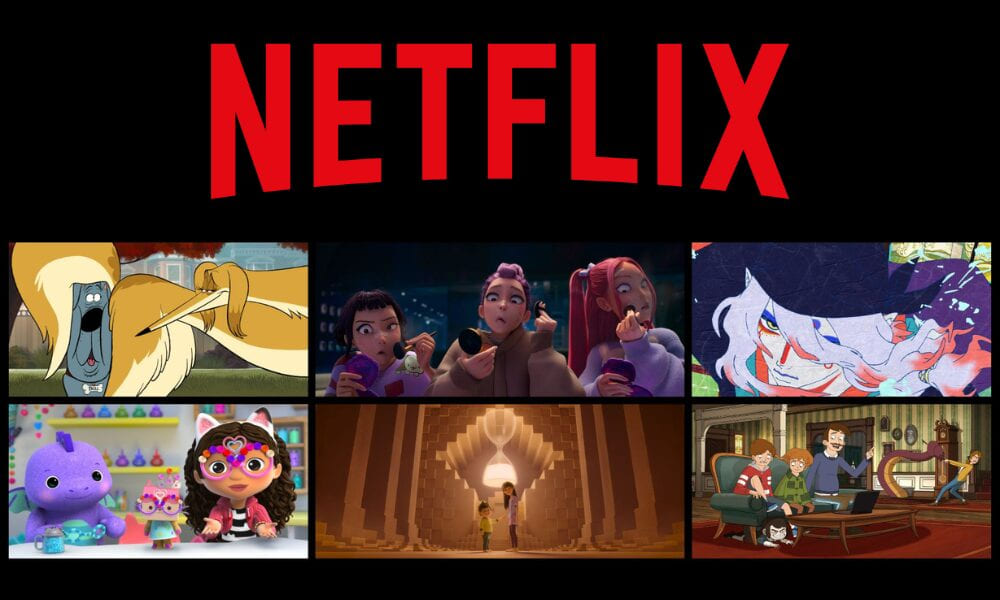
Netflix is one of the best websites for cartoon videos download. It offera a large collection of animated content, from original cartoon series to licensed animated films. You can explore popular titles such as The Boss Baby, KPop Demon Hunters, Hilda, Arcane, Big Mouth, and The Dragon Prince.
Its regularly updated library and personalized recommendations, along with kids’ profiles, make it easy for parents to discover age-appropriate animated content. More importantly, Netflix allows subscribers to download cartoons on mobile devices to watch offline.
2. YouTube
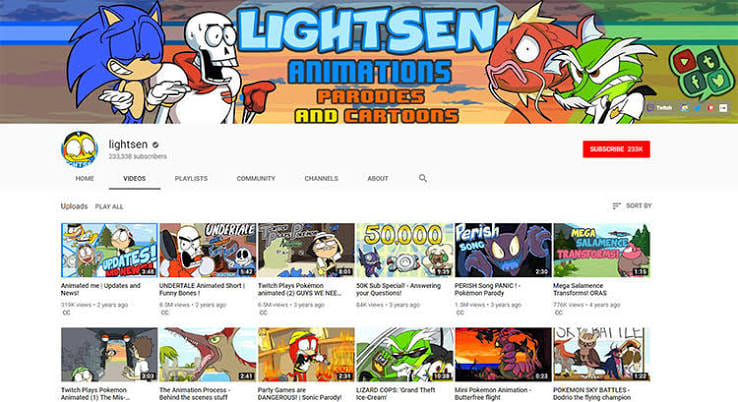
YouTube is the largest free video platform in the world. The platform hosts thousands of animated videos, including classic cartoons, short animations, children’s songs, and full-length cartoon episodes. You can find cartoon videos in different languages and styles through popular channels or explore official animation studio channels for high-quality content.
If you prefer live TV, you can subscribe to YouTube TV at $82.99/month. This allows you to access to over 100 channels, including animation and cartoon content. To download YouTube cartoon videos for offline viewing, you’ll need a YouTube Premium subscription ($15.99/month). New users may also get YouTube Premium free for 1 month.
3. Disney+
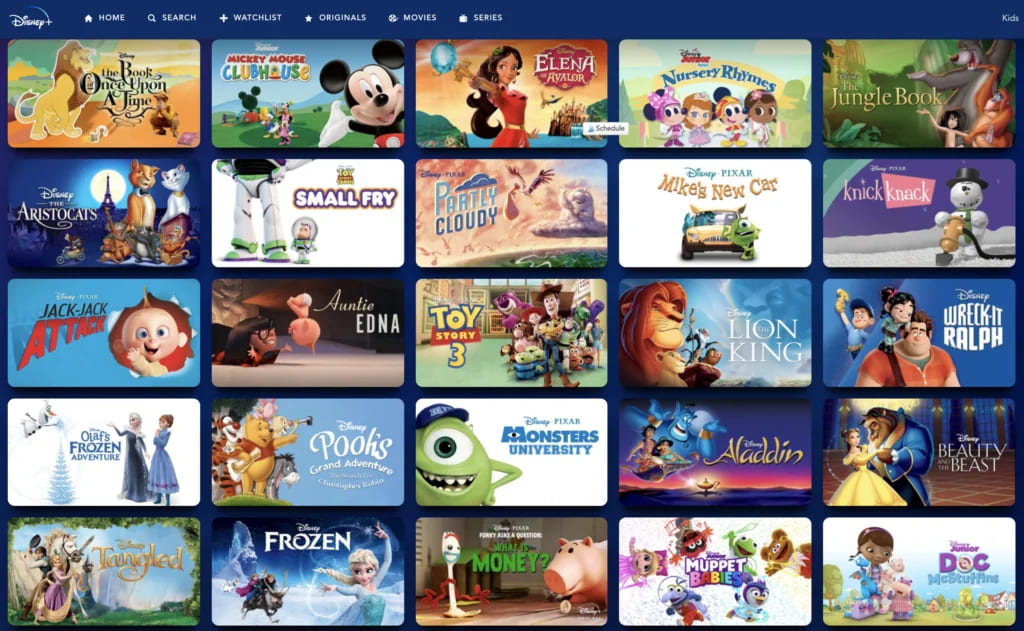
Disney+ is another top picks among cartoon video sites, offering a deep library of classic animated films, modern Pixar releases, and Disney Channel cartoon series. You can enjoy titles such as Frozen, Moana, Toy Story, Phineas and Ferb, and Zootopia, along with many other family-friendly productions.
To download cartoon videos on Disney+, a Disney+ Premium (ad-free) account is required. Once subscribed, you can download supported cartoons and animated movies through its mobile app on compatible devices.
4. Hulu
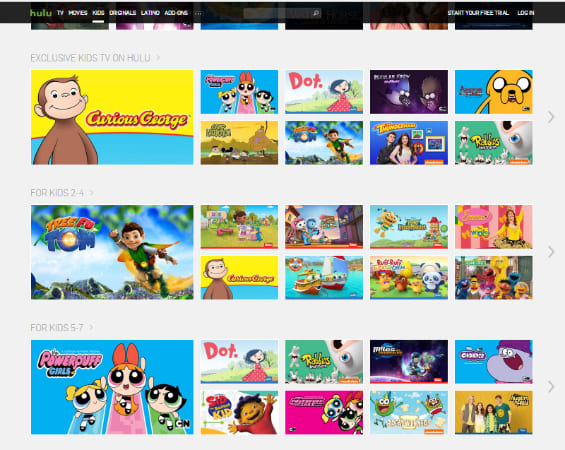
Hulu offers a solid selection of animated TV shows, cartoons, and animated movies. It features well-known adult animated series such as The Simpsons, Family Guy, Bob’s Burgers, and Futurama. Its regularly updated library also makes it easy to discover new animated content and revisit your favorite shows. Whether you enjoy comedy cartoons or animated adventures, you can easily find your favorite animated content on Hulu website or mobile app.
Like other OTT platforms mentioned, you also need a Hulu No Ads account or bundle plan to download supported cartoons and animated shows through the Hulu app on your mobile devices.
5. Amazon Prime Video
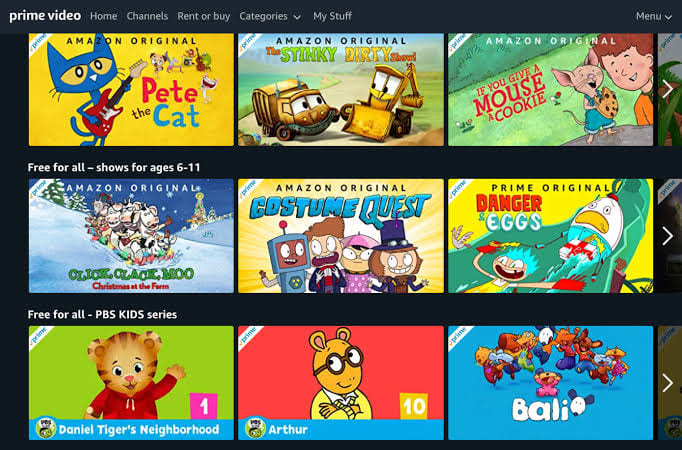
Amazon Prime Video is another great option for watching and downloading cartoon videos. It offers a wide selection of animated movies, children’s cartoons, and TV series, including popular titles such as Invincible, The Adventures of Paddington, Kung Fu Panda: The Paws of Destiny, and The Stinky & Dirty Show. You can explore animated content across different genres and age groups, making it a convenient platform for family entertainment.
Downloads require an active Amazon Prime membership or a separate Prime Video subscription. Don’t have a subscription? You can even purchase or rent cartoon videos on Amazon Store and save it offline!
6. Cartoon Network
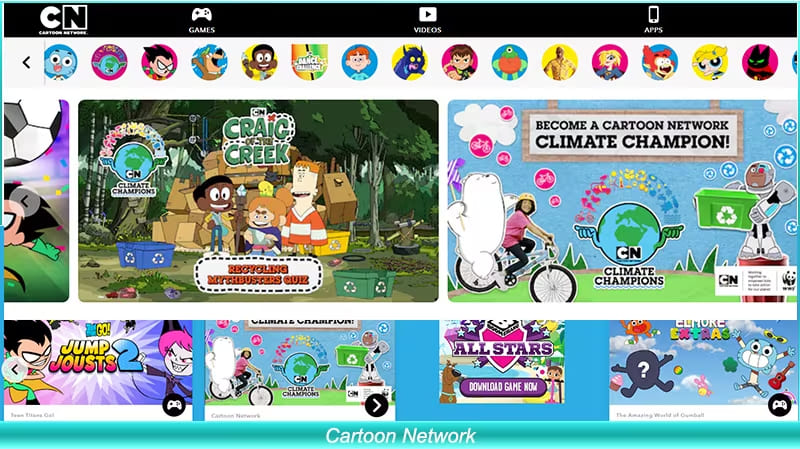
Cartoon Network is a popular website for watching animated series and cartoons. It features well-known shows such as The Amazing World of Gumball, Teen Titans Go!, We Bare Bears, Adventure Time, Steven Universe, and Craig of the Creek. Users can access to selected full episodes, short videos, and other animated content for free on its official website and mobile app. Some episodes require a TV provider login, and the platform does not generally support offline downloads.
No worry. Many Cartoon Network shows and movies are available on streaming services such as YouTube, Max, Prime Video, Apple TV, and Hulu, which let eligible subscribers download supported titles for offline viewing inside their official apps.
7. Cartoonito
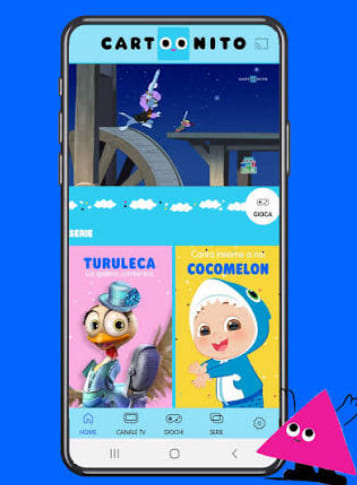
Cartoonito is a preschool-focused brand from Warner Bros. Discovery, offering cartoons designed for younger children. The Cartoonito app provides free streaming of the live channel and selected full episodes without requiring registration. With an internet connection, you can watch popular cartoon shows like Paw Patrol, Thomas & Friends, and Tom and Jerry in the app.
However, there is no built-in download feature for offline viewing in the official Cartoonito app. But you can download Cartoonito shows for offline viewing through the official streaming platforms like Max, YouTube, or Partner TV Apps that host its content.
Best Tool to Download Cartoon Videos to HD MP4
Most free cartoon video sites don’t offer built-in download options. Although OTT platforms allow you to download cartoons with an ad-free subscription, offline downloads are usually restricted to their official mobile apps. What’s more, downloaded videos may expire, disappear when your subscription ends, or become unavailable due to changes in licensing agreements. For users who want permanent and flexible way to watch their favorite animated content offline, a dedicated desktop downloader is the practical solution.
iMovieTool All-in-One Video Downloader is a professional video downloader, available on both Windows and Mac. It supports multiple OTT streaming platforms including Netflix, Disney+, Amazon Prime, Max, Hulu, YouTube, YouTube TV, Apple TV+, and Paramount+, as well as social media sites. It can batch download cartoon series and animated movies to your computer at up to 50X speed, and save the videos as MP4 or MKV with HD 1080p quality
With it, you can easily download anime and cartoon with multiple subtitles and dubbing at your fingertips, even with an ad-supported plan! Better yet, the video downloads can be transferred to a USB drive and played on a smart TV, game console, projector, giving you flexible offline viewing without app restrictions.
• Multi-platform support: Download from Netflix, Disney+, Max, Amazon Prime, Hulu, HBO Max, YouTube, and more.
• Batch download: Save entire seasons of cartoon series or multiple animated movies at once.
• HD 1080p output: High-quality MP4 and MKV files with preserved audio tracks and subtitles.
• Up to 50X speed: Accelerate the downloading process according to the software’s advertised performance.
• Multi-language audio & subtitles: Save audio tracks and subtitles in multiple languages, including English, for an immersive viewing experience
• Offline Playback: Transfer files to USB drives and watch on smart TVs or any compatible device.
How to Download Cartoon Videos to HD MP4 with iMovieTool
Step 1. Select a Platform and Log In
Download and launch iMovieTool All-in-One Video Downloader on your Windows or Mac computer. Select a from the available platform list.
For example, here we select Disney+, and sign in with and active Disney+ account through the integrated interface to access the supported video library.
Step 2. Configure Output Settings
Click “Menu” in the upper-right corner and select “Preference”. Choose your preferred output format, such as MP4 or MKV, and configure the available video quality, audio, subtitle, and output folder settings.
Step 3. Add a Cartoon Movie or Show
After configuring the settings, search for your favorite animated movies or cartoon shows. iMovieTool allows you to find content in three ways.
Way 1. Using the name: You can enter the cartoon’s title or show name in the search bar to find matching results. For example, type “The Simpsons” into the search bar.
Way 2. Using the URL: Alternatively, copy the cartoon movie or show from Disney Plus, and paste a direct URL to iMovieTool to locate the corresponding content.
Way 3. Browse online: Switch to the “Browse” tab. Use the built-in browser to explore the available streaming catalog and discover animated videos. Once you find a supported title, open its video page and click the “+” icon to add it to your download list.
It will pop up a small window with a “Download” icon.
Step 4. Start to Download Cartoon Shows to MP4
Click the “Download” icon. You can then review the available episodes and select the videos you want to process. If needed, click the “Gear” icon to select your preferred video resolution, audio track, subtitles language, and subtitle formats.
After selecting the show you want, click the “Download” button to start the process. You can continue adding more cartoon videos to the queue while downloads are in progress.
Step 5. Get Downloaded Cartoon Videos
When the process is complete, open the “History” section to locate your saved files. Click the folder icon to access the output directory. You can then import these cartoon videos to local media players, transfer them to a USB drive, phone, tablet, and more devices for offline viewing.
Conclusion
Finding the best websites to download cartoon videos depends on your prioritize convenience, subscription, or true file ownership. Netflix, Disney+, Amazon Prime, and Hulu offer excellent libraries and official download features, but those downloads remain locked within their apps and expire. Free sites like Cartoon Network and Cartoonito provide accessible streaming but no official download options.
If you want more flexible offline playback, iMovieTool All-in-One Video Downloader is worth considering. It offers multiple platform support, batch downloading, HD 1080p quality, and MP4/MKV output, making it easier to build your offline animated content. Start it right now, enjoy your cartoons on any device, anywhere, without relying on an internet connection or app license.
The Latest Articles
– Top 8 Solutions to Download Streaming Video
– Top 10 Free Movie Download Sites Recommended
– 3 Ways to Download Movies to Watch Offline
– 2 Verified Methods to Download X/Twitter Videos to MP4
– Download Twitter(X) Videos on PC, Mac and Mobile Phone
– Download Facebook Videos on PC, Mac and Mobile Phone
– 3 Ways to Download Facebook Video to MP4

Netflix Video Downloader
Download Netflix video to MP4 or MKV with multi-language audio track and subtitle kept. Up to 50X downloading speed. Easily to download your favorite movies/TV shows from Netflix to your computer for offline viewing.